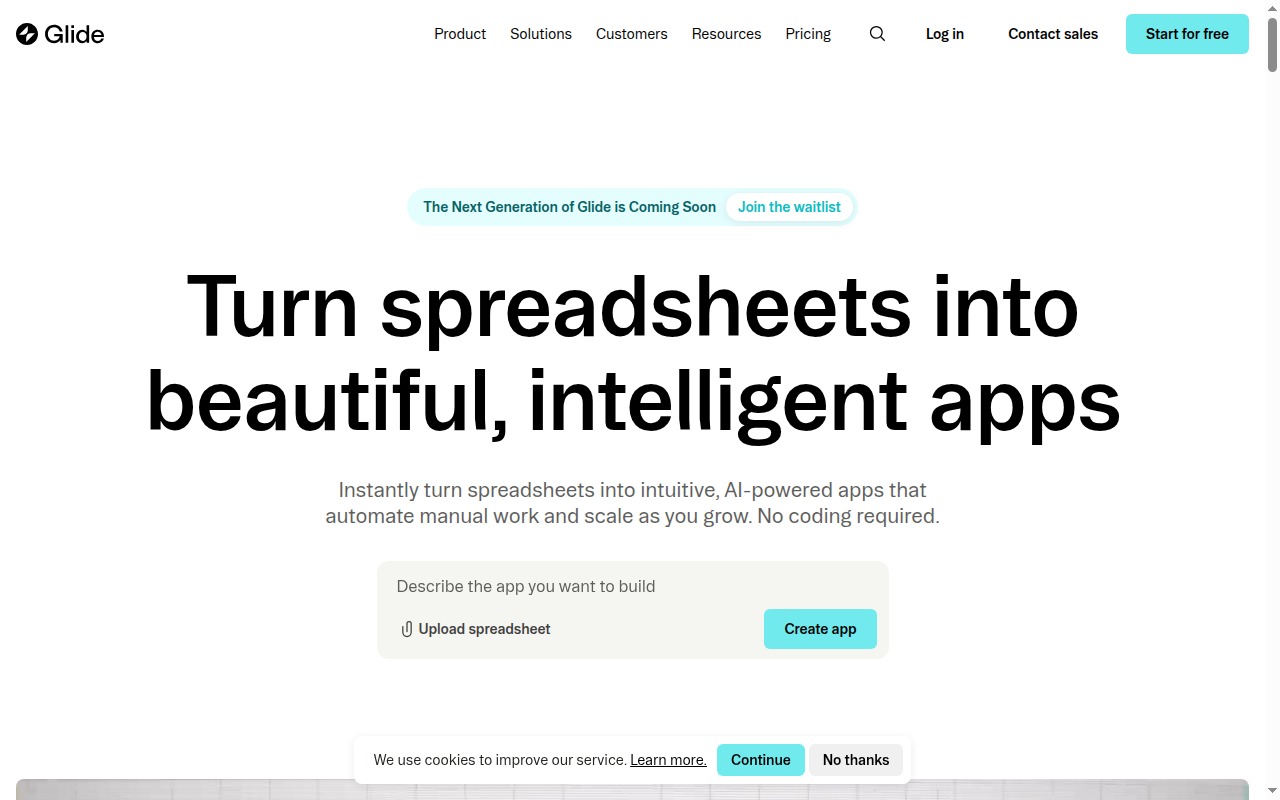
The pitch is almost too simple: connect your Google Sheet, configure some screens, and you have a mobile app. No code, no deployment, no backend to manage. For a lot of teams — field technicians, small business owners, operations managers working out of spreadsheets — this is exactly the tool that should exist.
The short answer to the headline question: yes, it actually works. With conditions attached.
Here’s the full picture.
What Is Glide?
Glide is a no-code app builder that turns Google Sheets, Excel files, or its own built-in native database into mobile-friendly apps and web apps. The focus is practical: internal tools for teams who work in the field, operations managers who need a simple mobile interface on their data, and founders who want to test an idea without hiring developers.
Unlike Softr, which leans toward web-first client portals, Glide’s design philosophy starts from the phone. The apps it produces look and feel like real mobile apps — installable on a home screen as progressive web apps (PWAs) — not mobile-responsive websites. That distinction matters when you’re building something that field teams will use on Android in the back of a truck.
Glide also has a web app experience, but mobile is where it’s genuinely differentiated.
Glide Pricing
| Plan | Price | Row Limit | Editors |
|---|---|---|---|
| Free | $0/mo | 500 rows | 10 editors, Glide branding |
| Maker | $49/mo | 5,000 rows | Unlimited editors, custom domain, no branding |
| Team | $99/mo | 25,000 rows | Roles & permissions, advanced components |
| Business | $249/mo | 100,000 rows | Priority support, advanced integrations |
| Enterprise | Custom | Custom | SSO, SLA, dedicated support |
The row limits are the number you need to understand before committing to Glide. At Maker ($49/month), you have 5,000 rows. If your app tracks 200 field inspections per month, you’re eating through that fast. At Team ($99/month), 25,000 rows gives you meaningful runway for most internal tools. At Business ($249/month), 100,000 rows handles significant operational volume.
The free tier supports genuine prototyping — 500 rows is enough to test whether Glide solves your problem. The Glide branding and lack of custom domain mean it’s not production-ready, but it’s a real exploration environment.
Start building on Glide → Glide
Key Features
Data Editor and Native Database
Glide’s data layer is a visual spreadsheet-like editor that sits on top of whatever data source you’ve connected. You see your rows and columns, you can add computed columns, and you can reference related tables.
The native Glide Tables database is a cleaner option for new projects that don’t originate in Google Sheets. It’s a proper relational table structure (though not deeply relational), faster than Sheets, and doesn’t require an external dependency. If you’re starting from scratch rather than migrating existing spreadsheet data, Glide Tables is the better foundation.
Component Library
Glide’s components are what the user sees and interacts with. The library covers:
- List views — simple, grouped, and filtered
- Detail pages — individual record screens with configurable layouts
- Forms — for adding or editing records
- Charts — bar, pie, and line charts from your data
- Maps — geolocation-based record display for field apps
- Calendar — date-based record views
The mobile component rendering is the standout. Glide lists swipe naturally, the navigation feels native, and the overall app shell is indistinguishable from a purpose-built mobile app on a user’s phone.
Computed Columns
Glide’s computed columns let you build formula logic — math, lookups, concatenations, conditional values — directly in the data layer without writing code. These are the equivalent of spreadsheet formulas, but applied in Glide’s data environment rather than directly in the sheet. For common transformations (calculating totals, formatting display names, generating status labels), computed columns handle it cleanly.
Glide AI Columns
One of Glide’s more interesting differentiators. AI columns apply AI operations directly to your data rows — you can have a column that automatically:
- Summarises a long text field into a two-sentence summary
- Classifies a description into a predefined category
- Extracts specific information from unstructured text (e.g., extract a phone number from a freeform notes field)
This is genuinely useful for operations teams processing field reports, customer feedback, or inspection notes. The AI runs per row and stores the result in the column — meaning the classification happens once and is cached, not re-run every time someone views the app. Practical, not gimmicky.
User Authentication and Roles
All tiers include basic user authentication — email-based login, magic links, PIN codes. Team and above add roles and permissions: you define roles (admin, manager, viewer), assign users to roles, and control what each role can see and do in the app. For internal tools where different team members need different levels of access, this is the feature that makes Glide production-ready rather than just a prototype.
Workflow Automation
Glide Workflows let you trigger actions based on in-app events: when a form is submitted, send an email; when a row is updated, fire a webhook; when conditions are met, update related records. The automation system is functional for straightforward trigger-action pairs. For complex multi-step workflows, you’ll likely still route to Zapier or Make.
What Glide Does Well
Mobile-first is real, not marketing. The apps Glide produces feel like native mobile apps. The PWA install experience is clean, navigation gestures work as expected, and the component library is optimized for touch rather than mouse. If your users are on phones, this matters enormously — and it’s what separates Glide from most no-code tools, including Softr.
Google Sheets integration is the most mature in this space. Glide has been building on top of Google Sheets longer than most competitors, and it shows. Two-way sync works reliably, Sheets formulas flow into Glide correctly, and the mapping between sheet columns and app components is straightforward. If your team already lives in Google Sheets, Glide is the natural extension.
Internal tool deployment is genuinely fast. A field inspection app, an inventory tracker, a simple CRM for a five-person sales team — Glide gets these built and deployed faster than any alternative. The setup is visual, the data connection is immediate, and the app is shareable via link or home screen install. No App Store submission, no backend infrastructure, no deployment pipeline.
Glide AI columns add real operational value. Automatic classification and summarisation of text data is a practical feature for operations teams, not a demo. If you’re processing large volumes of freeform text in your app — inspection notes, support tickets, customer responses — AI columns reduce manual review work meaningfully.
Where Glide Falls Short
Row limits are a constant friction point. 5,000 rows on Maker and 25,000 rows on Team sound like a lot until you do the math on real operational data. An app that logs daily field inspections for a 50-person team generates thousands of rows per month. Growing into the Business tier at $249/month is a significant step. Plan your data volume before committing to a tier.
Design customization is constrained. You’re working within Glide’s component system. You can adjust colors, fonts, and some layout parameters, but you cannot build a custom UI from scratch. The result is a recognizably “Glide-looking” app — clean, consistent, but not bespoke. For internal tools, this is fine. For consumer-facing apps where brand and design differentiation matter, it’s a real limitation.
Web app experience lags behind mobile. Glide is a mobile-first tool, and the web experience reflects that. The desktop rendering of Glide apps can feel narrow and mobile-ish rather than desktop-optimized. If your users are primarily on desktop browsers, Softr will give you better web layouts and more appropriate component choices.
Complex relational data is possible but not natural. Glide supports related tables and lookups, but the data model is built around spreadsheet-style flat-ish data, not proper relational database structures. Apps that require complex joins, many-to-many relationships, or multi-level nesting start to feel like fighting the tool rather than using it.
Glide vs Softr
The most direct comparison in this space. Both are no-code app builders at a $49/month entry price, both include user authentication, and both target non-technical builders.
Glide wins on: mobile experience, Google Sheets integration depth, internal team tools, and Glide AI columns.
Softr wins on: web-first client portals, Airtable integration, conditional visibility for external user groups, and client portal templates.
The decision framework is simple: if your users are on phones and your data is in Google Sheets, Glide. If your users are on desktops and your data is in Airtable, Softr. See the full breakdown in the Softr vs Glide comparison.
Glide vs Bubble
Not a real comparison for most buyers. Glide builds spreadsheet-powered apps fast; Bubble builds complex, logic-heavy, production SaaS applications with custom databases and server-side workflows. If you need Bubble, you already know Glide isn’t the tool. If you need Glide, Bubble’s complexity is unnecessary overhead.
Who Should Use Glide?
Use Glide if:
- Your team works on phones — field technicians, inspectors, route managers, service crews
- Your data lives in Google Sheets and you want a real app around it
- You’re building an internal tool and need something deployed in days, not months
- Row limits won’t be a problem at your expected data volume (check this before committing)
- You want AI-powered data classification or summarisation without building a custom pipeline
Skip Glide if:
- You’re building something web-first where desktop design quality matters — use Softr
- Your data volume will hit row limits at Maker or Team tier in the first few months
- You need complex backend logic, custom APIs, or a production-grade database — use Bubble
- Your users are external clients who need a polished, branded web experience
Final Verdict
Glide works. The mobile-first app experience is genuinely differentiated, the Google Sheets integration is the most mature in this category, and the Glide AI columns are a practical feature that adds real value for operations teams. For the use case it’s built for — turning spreadsheet data into mobile tools for internal teams — it’s the best no-code option available.
The row limits are the thing to watch. Carefully model your data growth before choosing a tier, because jumping from Maker to Team to Business is a meaningful pricing step at each level. And if your use case turns out to be primarily web-based or design-intensive, this isn’t the right tool.
For field teams, Google Sheets power users, and founders who need an internal tool fast, Glide earns its price.
Rating: 4.0/5
Best for: Field teams, Google Sheets power users, and founders who need a mobile-first internal tool built fast without a developer.
Start building on Glide → Glide
See every major no-code builder compared → Best No-Code App Builders 2026