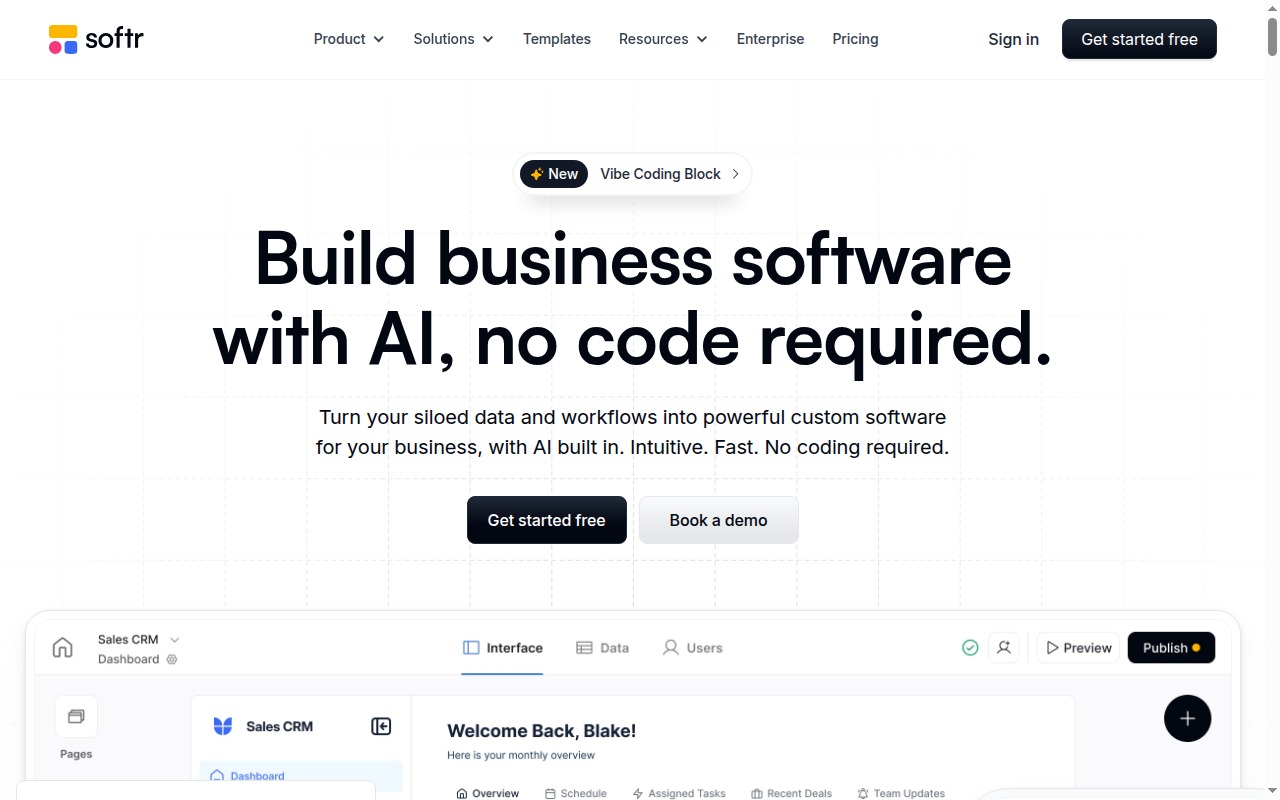
If you’re sitting on an Airtable base and you need a client-facing portal around it, Softr is the fastest path from data to working app available today. Not the most powerful. Not the most flexible. The fastest — and for a large slice of the no-code audience, that matters more than either.
This review covers what Softr actually delivers, where it draws the line, and whether the $49/month entry price makes sense for your project.
What Is Softr?
Softr is a no-code platform for building client portals, member directories, internal tools, and simple web apps — all powered by your existing data in Airtable, Google Sheets, or HubSpot. You don’t build a database inside Softr; you connect to one you already have, and Softr builds the interface on top of it.
That positioning is deliberate. Softr is not trying to compete with Bubble on logic depth or with Webflow on design control. It’s targeting a specific buyer: a business owner, agency, or non-technical operator who already has their data organized somewhere and needs a structured, branded interface on top of it — fast.
The result is a tool that feels genuinely polished for its intended audience and genuinely limited for anyone outside it.
Softr Pricing
| Plan | Price | Key Limits |
|---|---|---|
| Free | $0/mo | 5 app users, Softr branding, 1 app |
| Starter | $49/mo | Unlimited app users, custom domain, no branding |
| Professional | $139/mo | Advanced user permissions, custom code, multiple apps |
| Business | $269/mo | White-label, priority support, advanced workflows |
| Enterprise | Custom | SSO, SLA, dedicated support |
The Free tier exists but is functionally unusable for anything real. Five app users and Softr branding in the footer means you can’t share this with clients — it’s a sandbox for exploration.
The real entry point is Starter at $49/month. That unlocks unlimited app users, your own domain, and removes the Softr branding. For small agencies or solo operators, this is the only tier that makes sense as a starting point.
Professional at $139/month adds what you’ll need if the app grows: advanced user permissions, conditional visibility controls beyond the basics, and custom code injection for edge cases. This is where the tool stops feeling restrictive for more structured use cases.
Business at $269/month is for agencies building client portals on Softr’s infrastructure and white-labelling the product. Priority support comes with it, which matters at this price.
Start building on Softr → Softr
Key Features
Pre-Built Blocks
Softr’s entire build experience runs on blocks: pre-built UI components that you drag onto a page, connect to a data source, and configure. The block library covers:
- List blocks — display records from Airtable/Sheets in a grid, table, map, or card layout
- Detail pages — individual record views auto-generated from your data
- Form blocks — create, update, or filter records directly from the user interface
- Chart blocks — basic bar, line, and pie charts from your data columns
- Text, hero, and media blocks — for landing pages, headers, and static content
The system is well-designed for its target use case. You’re not building layouts from scratch — you’re configuring pre-existing components and connecting them to your data. For non-technical builders, this means a functional portal in hours rather than weeks.
User Authentication and Conditional Access
This is where Softr genuinely earns its reputation for client portals. Built-in user authentication means you can put a login gate in front of your app without writing a single line of code. Users sign up, you approve them (manually or automatically), and they get access.
The real power is conditional visibility: you define user groups and control exactly what each group can see — which pages are visible, which blocks appear, which records are accessible. A client in Group A sees their own project data. A client in Group B sees theirs. Internal staff see everything. This is exactly what a client portal needs and Softr implements it clearly.
Integrations
Native connections to:
- Airtable — Softr’s primary integration, deepest feature support
- Google Sheets — works well, slightly less sophisticated than Airtable
- HubSpot — for CRM-based portals
- Stripe — payment integration for paid membership or product access
For extending functionality beyond native integrations, Softr works with Zapier and Make.
SEO and Custom Domain
Basic SEO settings per page (title, meta description) and custom domain support from Starter upward. These are functional, not exceptional — Softr is not a CMS and shouldn’t be treated as one. If organic search traffic is a core requirement, consider Webflow instead.
What Softr Does Well
Speed from Airtable to working app. This is the real differentiator. If your data is in Airtable and you need a client-facing or internal interface around it, Softr gets you there faster than any alternative. The block system removes the friction of layout decisions; the Airtable integration handles the data wiring; user authentication is built in. A simple client portal is genuinely achievable in a working afternoon.
Authentication and permissions are well thought out. The user group system and conditional visibility controls are exactly right for the client portal use case. Softr understood the problem their users actually have and built directly for it. This is harder than it looks.
Template library is specific and useful. Rather than generic “website templates,” Softr’s library covers actual use cases: client portals, job boards, event directories, member communities, internal dashboards. Starting from a relevant template versus a blank canvas is a meaningful time saving for non-technical builders.
The build experience matches the audience. Softr’s UI is built for people who are not professional developers. The configuration options are clear, the labels are plain English, and the preview is live. For operators who aren’t thinking in code, this is significantly less intimidating than Bubble’s workflow editor or Webflow’s CSS-adjacent design system.
Where Softr Falls Short
Your data layer is your risk layer. Softr builds the interface; your Airtable or Google Sheets base is the database. If Airtable goes down, your Softr app goes down with it. If someone reorganizes the Airtable schema, your app breaks. If you ever want to move off Airtable, you’re rebuilding from scratch. This is a real architectural dependency, and buyers should understand it upfront.
Design customization is constrained. You’re configuring blocks, not designing pages. Color palettes, font choices, and some layout controls exist — but you cannot recreate a pixel-precise custom design in Softr the way you can in Webflow. The output looks clean, not bespoke.
Complex conditional logic gets clunky. Softr handles standard conditional access well. The moment your logic gets nested — show this section if the user is in Group A AND has paid AND the record field equals X — you’re fighting the interface rather than working with it. This is not a tool built for complex business logic.
The Free tier is a demo, not a product. Five app users and mandatory Softr branding means you cannot realistically use the free tier to deliver anything to a client or launch a real product. The $49/month Starter is where usable begins.
Not suitable for complex backend logic. If your app needs API integrations, custom server-side logic, complex relational data structures, or a custom database schema, Softr is the wrong tool. The right tool is Bubble — a meaningfully steeper learning curve, but a genuinely different capability ceiling.
Softr vs Bubble
These tools don’t genuinely compete. Softr is for non-technical operators who need a structured interface around existing data, built fast. Bubble is for founders and developers building production-grade SaaS apps with custom logic, custom databases, and complex workflows.
If you’re deciding between these two, the question is: do you need a front-end on your Airtable data, or do you need to build an application from the ground up? The former is Softr. The latter is Bubble.
Read the full Bubble review if you’re unsure which category your project falls into.
Softr vs Glide
This is the genuine competitive question. Both tools are no-code app builders targeting non-technical users. Both start at $49/month. Both support authentication and user permissions.
Softr wins: web-first apps, Airtable integration depth, client portal templates, conditional visibility for external users.
Glide wins: mobile-first apps (PWA), Google Sheets integration maturity, field team tools, native mobile feel.
If your users are on desktops and you’re on Airtable, Softr. If your users are on phones and you’re on Google Sheets, Glide. The full breakdown is in the Softr vs Glide comparison.
Who Should Use Softr?
Use Softr if:
- You have an Airtable base and need a client-facing portal around it
- You’re building a member directory, job board, or internal dashboard for non-technical users
- You need user authentication and conditional access without writing code
- You’re an agency building client portals that need to look professional and deploy fast
- You can justify $49/month for a Starter tier that removes all the friction
Skip Softr if:
- Your app needs complex backend logic, custom APIs, or a bespoke database — use Bubble
- You’re building a mobile-first app for field teams or consumer use — use Glide
- Design quality and pixel control matter — use Webflow
- You need more than a thin UI layer on top of a spreadsheet
- $49/month is hard to justify for your current stage
Final Verdict
Softr delivers exactly what it promises: the fastest path from Airtable to a functional, authenticated, client-facing web application. For agencies building client portals, non-technical operators who need a structured internal tool, or founders who want an Airtable-powered directory or member area, it’s the right tool and the verdict is clear.
The limitations are real — data dependency, design constraints, logic ceiling — but they’re limitations of scope, not quality. Softr is well-built for what it’s built for.
The free tier is functionally useless for production. The $49/month Starter is the real product. And the $139/month Professional is where the tool’s full value unlocks for more structured use cases.
Rating: 3.9/5
Best for: Agencies and operators who need client portals, member directories, or internal tools built fast on top of Airtable or Google Sheets.
Start building on Softr → Softr
See how every major no-code builder compares → Best No-Code App Builders 2026