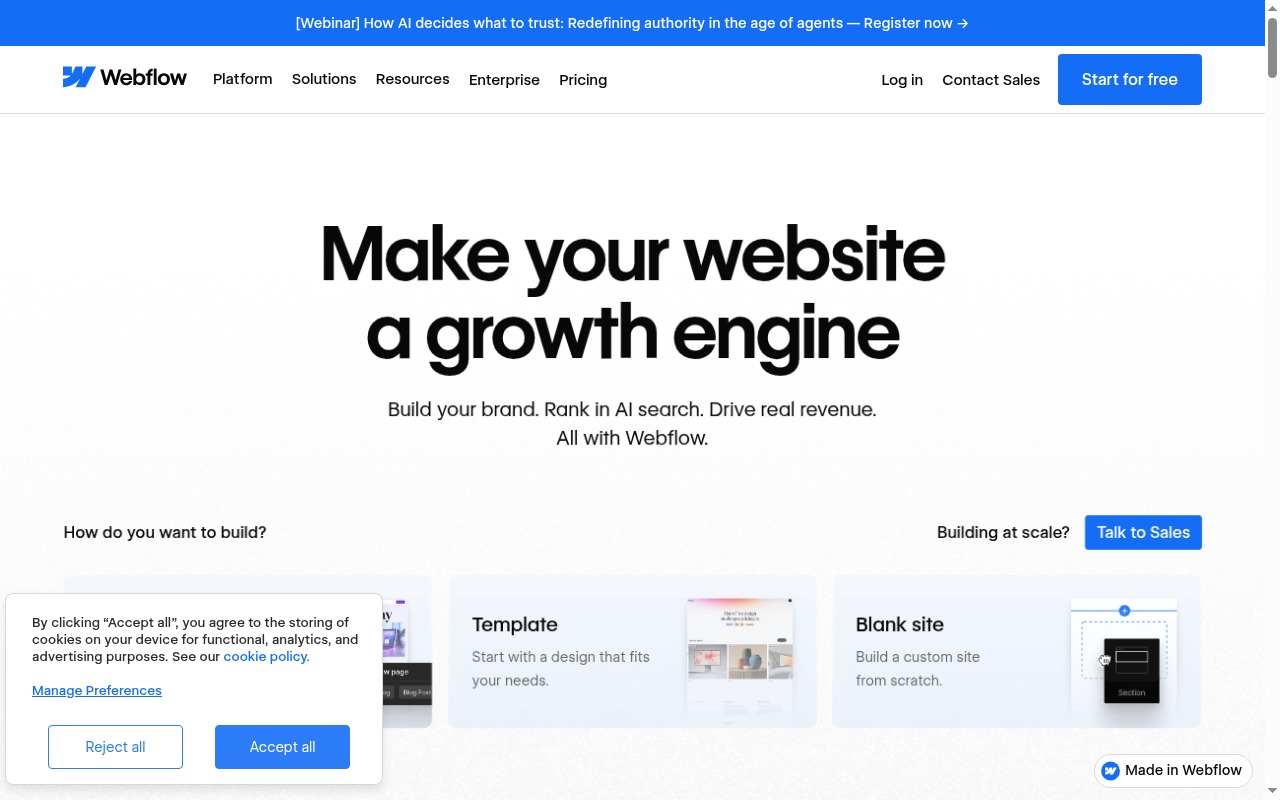
“No-code” is one of the most abused terms in software marketing. Webflow calls itself no-code and has built an enormous following on that positioning. But there’s a catch: Webflow is genuinely powerful, genuinely flexible, and genuinely not suitable for people who don’t understand how CSS works.
If you’ve never heard of flexbox, don’t know what the box model means, and wouldn’t recognize a responsive breakpoint if it broke your layout, Webflow will frustrate you. That’s not a knock — it’s just what this tool actually is.
For the right user, nothing else in the no-code space comes close.
What Is Webflow?
Webflow is a visual web design tool that generates real, clean HTML, CSS, and JavaScript. It’s closer to Figma with publishing capabilities than it is to Squarespace or Wix.
You build in a visual editor, but you’re actually setting CSS properties — margins, padding, flexbox direction, grid columns. The interface abstracts the code syntax, but not the concepts. The output is production-grade markup that you can export and self-host, or host on Webflow’s CDN.
It also includes a CMS for content-heavy sites, e-commerce for online stores, and a hosting layer with global CDN and SSL included. The whole stack is integrated: design, content management, and hosting under one platform.
Best No-Code App Builders 2026
Pricing
Webflow’s pricing has two axes: Site plans (for what your published site gets) and Workspace plans (for how many people are building in your account). This confuses people. Here’s how it works:
Site Plans
| Plan | Monthly Price | Key Features |
|---|---|---|
| Starter | Free | webflow.io subdomain, 2 pages, no custom domain |
| Basic | $14/mo | Custom domain, unlimited pages, no CMS |
| CMS | $23/mo | CMS collections, 2,000 CMS items, 3 editors |
| Business | $39/mo | 10,000 CMS items, 10 editors, form file uploads |
| Enterprise | Custom | SSO, uptime SLA, advanced security |
E-Commerce Site Plans
| Plan | Monthly Price | Transaction Fee |
|---|---|---|
| Standard | $29/mo | 2% |
| Plus | $74/mo | 0% |
| Advanced | $212/mo | 0% |
Workspace Plans are separate and govern how many collaborators can work on your projects simultaneously. For freelancers and solo users, the free Starter workspace covers most needs. For agencies managing multiple client sites, workspace pricing adds up.
Most solo users and small business owners will land on the CMS plan at $23/month. It unlocks everything you need for a content-driven site.
Try Webflow → Webflow
Key Features
Visual CSS Editor
The core of Webflow. You select an element and set its properties: dimensions, typography, flexbox/grid settings, backgrounds, borders, animations. All of this maps directly to CSS properties — displayed in Webflow’s panel, applied to your live design, exported as clean code.
The control here is unmatched in the no-code space. You can design exactly what you’d hand-code, without writing the code. But you still need to know what “margin auto centers a div horizontally” means in order to use it productively.
CMS (Collections and Dynamic Pages)
Webflow’s CMS lets you define content types — blog posts, case studies, team members, product features — as structured Collections. Each collection has fields (text, images, references, rich text, dates). You design the template once; every item in the collection uses it automatically.
This is flexible enough for genuinely complex content architectures. Multi-reference fields, conditional visibility based on CMS fields, and filtering by collection data are all available without additional tools. For content-heavy marketing sites, this is one of the most capable CMSs in the no-code space.
Hosting
Webflow’s CDN is fast, globally distributed, and includes SSL by default. Performance scores consistently well in independent testing. You don’t manage servers or deployments — you click Publish and it’s live. This is one of the cleanest hosting setups available for a marketing site.
E-Commerce
Product pages, variant management, custom checkout, discount codes, subscription products, and cart abandonment emails are all available. It handles the fundamentals competently.
The limitation: Webflow’s e-commerce lacks the ecosystem depth of Shopify. Payment gateway options are narrower. App integrations are fewer. For stores doing serious volume with complex fulfillment needs, Shopify is the right answer. For a small store that wants a beautifully designed checkout that matches a custom brand, Webflow is a real option.
Interactions and Animations
Timeline-based animations triggered by scroll position, hover, click, or page load. Production-grade motion design without writing JavaScript. The animation system is genuinely sophisticated — studios and agencies use Webflow interactions for flagship marketing sites that cost significant money to build.
Logic (Conditional Visibility, Basic Automations)
Webflow Logic lets you set up conditional visibility rules (show this element if the user is logged in; hide this section based on form input) and basic automation flows without third-party tools. It’s functional but limited compared to dedicated automation platforms. Think of it as handling simple use cases — form redirects, conditional content — not replacing Zapier.
Memberships
Currently still in varying rollout stages depending on account tier. Allows gating content behind a paywall and managing member accounts within Webflow. Not as mature as dedicated membership platforms like MemberStack or Circle, but useful for basic paywalled content without adding another tool.
What Webflow Does Well
Design control is unmatched in the no-code space. Nothing else lets you produce a site with this level of visual fidelity without writing code. If you want a site that looks like a $50,000 agency build and you have design skills, Webflow gets you there.
CMS is genuinely flexible. The collection architecture handles complex content types that would require custom post types and plugins on WordPress. For structured marketing sites and content-heavy blogs, this is a major advantage.
Animations and interactions are production-grade. The interaction designer produces motion and scroll effects you’d normally need JavaScript for. Webflow’s showcase gallery has sites that would surprise you given they were built without custom code.
Hosting is clean and fast. Global CDN, automatic SSL, no server management. You publish, it’s live, it’s fast. This removes a category of operational overhead that WordPress sites accumulate over time.
Clean, exportable code. The HTML/CSS Webflow exports is readable and well-structured. If you ever want to move off Webflow’s hosting and manage your own infrastructure, the output is usable.
Where Webflow Falls Short
It is not truly no-code for most people. This is the central caveat. To use Webflow productively, you need to understand the CSS box model, how flexbox layouts work, how responsive breakpoints cascade, and what “inherit vs override” means for styling. These are CSS concepts. Webflow doesn’t require you to write the code, but it absolutely requires you to understand what the code would do.
A non-designer who wants a site this weekend will hit a wall within an hour. This is not a bug — it’s the tradeoff for the design control Webflow offers.
Pricing is confusing. The dual axis of site plans and workspace plans creates a more complex pricing structure than most users expect. An agency managing 10 client sites will pay for workspace seats separately from the site hosting plans. Understanding the full cost requires reading the pricing documentation carefully.
Template ecosystem is smaller than Squarespace or Wix. Webflow has templates, but the selection is narrower than competitors who’ve been in the template market longer. You’ll likely start with a template and customize significantly anyway, but choice is limited compared to platforms with larger marketplaces.
E-commerce is capable but not Shopify. If you’re running serious product volume, need extensive app integrations, or are managing complex inventory, Shopify is the right answer. Webflow’s e-commerce is designed for design-forward stores with relatively standard needs.
Webflow vs Squarespace
Squarespace is genuinely beginner-friendly and produces polished sites out of the box. The template ecosystem is better, the onboarding is smoother, and you don’t need to understand CSS to get a good result. For a small business owner who needs a site that looks professional and doesn’t want to learn web design, Squarespace is the right answer.
Webflow gives you more control — far more — but requires design knowledge to exercise that control. If you want a site that looks like exactly what you imagined and you understand how to build it, Webflow is worth the learning investment. If you want a good-looking site with minimal friction, Squarespace wins.
The verdict is simple: Squarespace for non-designers; Webflow for designers and design-forward teams.
Webflow vs WordPress
WordPress has a vastly larger plugin ecosystem, more extensibility, and a larger community. If you need specific functionality — membership systems, complex SEO plugins, deep CRM integrations, multilingual support — WordPress has a plugin for it.
Webflow is cleaner to manage, faster on the default hosting stack, and doesn’t require plugin updates, security patches, or server management. The operational overhead of a WordPress site over time is real. Webflow eliminates most of it.
The tradeoff is flexibility vs simplicity of management. Both are legitimate answers for different situations. For a marketing site or blog, Webflow is increasingly competitive. For a complex web application or a site that needs extensive custom functionality, WordPress (or a custom-built solution) is the better foundation.
See also: Bubble Review for genuinely no-code app building.
Who Should Use Webflow?
Use Webflow if:
- You’re a designer, design-forward marketer, or agency building sites for clients
- You understand CSS fundamentals and want design control without managing code
- You’re building a content-heavy marketing site and want a flexible CMS with fast hosting
- You need production-grade animations and interactions without hiring a JavaScript developer
- Clean, exportable code matters to you
Skip Webflow if:
- You’re a small business owner who needs a site quickly and has no web design background (use Squarespace)
- You’re a developer who wants full code control (just write the code — Webflow’s abstraction is overhead for you)
- You’re building a serious e-commerce operation that needs Shopify’s ecosystem, payment options, and app marketplace
- You need a complex web application with backend logic (use Bubble or a coded solution)
Final Verdict
Webflow is the most capable visual web builder available. For designers and design-forward teams, the control-to-complexity ratio is unmatched. The CMS is flexible, the hosting is fast, the animations are genuine, and the code output is clean.
The honest caveat is the one that Webflow’s marketing consistently underplays: this is not a beginner tool. “No-code” here means no-syntax, not no-knowledge. If you don’t understand how CSS layouts work, you’ll spend more time confused than building.
For the right user, there’s nothing better. For the wrong user, there’s Squarespace.
Rating: 4.2/5
Best for: Designers, design agencies, and technically capable marketers building polished marketing sites and content-driven platforms.
Try Webflow → Webflow
See also: Best No-Code App Builders 2026 · Bubble Review