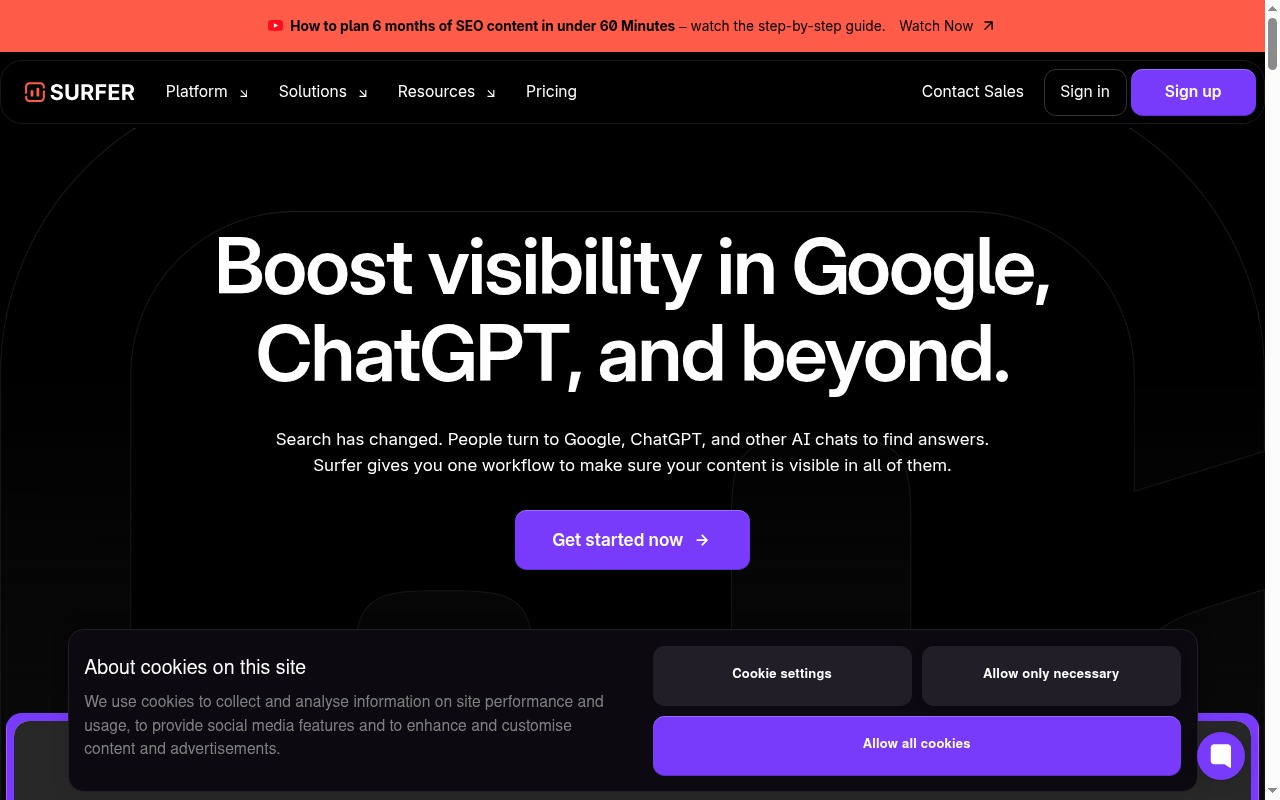
Surfer SEO makes a specific promise: write content that matches what Google’s top-ranking pages are doing, and you’ll rank higher. It’s a compelling pitch — and there’s real substance behind it. But “content scoring” has also become a crutch for a lot of SEO teams, and Surfer is partly responsible for that.
This review covers what Surfer actually does, what the pricing gets you, and whether it’s worth the cost for a solo blogger versus a content team.
What Problem Does Surfer SEO Actually Solve?
Let’s start here, because most people throw “on-page optimization” around without explaining it.
When you want to rank for a keyword, Google doesn’t just look at whether you mentioned the keyword. It analyzes the entire page: how long the content is, what topics and subtopics you covered, how many times you used specific terms, how the page is structured, what questions you answered. It compares your page against every other page already ranking for that query.
Surfer SEO automates that comparison. It pulls the top-ranking pages for your target keyword, analyzes what they have in common, and generates a set of recommendations — word count targets, terms to include, headings to use — that you apply while writing.
The output is a content score: a number between 0 and 100. As you write, the score updates in real time. Hit 70+, Surfer says you’re in good shape.
Is it magic? No. But it’s a systematic way to make sure your content isn’t missing obvious signals that every competitor has covered. That’s genuinely useful.
See also: Best AI tools for SEO content
Key Features
Content Editor
This is Surfer’s core feature. You open a document, enter your target keyword, and Surfer generates a real-time brief showing:
- Recommended word count range (based on top-ranking competitors)
- Keywords to include, with recommended usage frequency (e.g., “email marketing” — use 8–14 times)
- Heading suggestions pulled from competitor structures
- NLP terms — natural language processing entities Google associates with the topic
- Content score — the live 0–100 gauge that updates as you write
The editor integrates with Google Docs and there’s a WordPress plugin, so you don’t have to write inside Surfer’s own interface if you’d rather not.
SERP Analyzer
Drill into the competitive landscape for any keyword. You get a breakdown of the top 20 results: their word counts, keyword density, number of headings, page speed, backlinks, and partial on-page structure. Useful for understanding why certain pages rank and what gap you might be able to exploit.
Audit Tool
Run Surfer’s Audit on an existing page you already own. It compares your live content against current competitors and shows you what’s missing — terms you haven’t used, sections you haven’t covered, structural issues. This is useful if you have older posts that have dropped in rankings and you want to diagnose why.
Topical Map / Cluster Builder
A newer addition. Surfer generates a topical cluster — a set of interconnected articles around a core keyword — based on SERP data. This is useful for content planning if you’re building out a topic authority strategy. The output is a structured list of pillar and supporting article ideas, not a fully written content calendar. Think of it as a research starting point, not a ready-made plan.
Pricing
| Plan | Monthly Price | What You Get |
|---|---|---|
| Essential | ~$69/mo | 30 articles/mo, Content Editor, Audit (limited), no AI features |
| Scale | ~$149/mo | 100 articles/mo, full Audit, Topical Map, team sharing |
| Scale AI | ~$219/mo | Everything in Scale + AI article writing credits, AI Humanizer |
Essential is the entry point. You get the Content Editor and the content score, which is the main reason most people are here. The limits (30 articles/month) are fine for individual bloggers.
Scale is built for content teams or agencies managing multiple clients. The higher article limit and team collaboration features are the real additions. Topical Map access unlocks at this tier.
Scale AI adds Surfer’s native AI article generation on top of the optimization tooling. This is useful if you want to produce first drafts at volume, but the AI output still needs editing — it’s not a hands-off publishing machine.
Annual billing saves roughly 20%.
Try Surfer SEO → Surfer SEO
What Surfer SEO Does Well
The on-page guidance is genuinely actionable. When you’re staring at a draft and not sure if you’ve covered the topic thoroughly enough, the keyword recommendations give you a real checklist. It’s not vague SEO advice — it’s “use this term 6 more times and add a section on X.”
Content score gives writers a concrete target. For content teams, this matters a lot. You can brief a writer, set a minimum score of 70, and have a measurable standard. That’s harder to do with gut instinct and manual review.
Workflow integrations reduce friction. The Google Docs integration is smooth enough that writers don’t have to change tools. The WordPress plugin lets you score content without leaving your CMS. For day-to-day publishing workflows, these integrations matter.
Audit tool uncovers quick wins. If you have a post that used to rank on page 1 and has since slipped, Surfer Audit gives you a structured list of things to fix. Not always the full answer, but a good diagnostic.
Where Surfer SEO Falls Short
It’s expensive for solo bloggers. $69/month is real money if you’re publishing two or three posts per month. The cost-per-article math gets uncomfortable fast. Tools like Frase or even manual SERP research can get you much of the same insight for less.
Content score can create false precision. This is the biggest critique worth taking seriously. A score of 68 versus 72 does not reliably predict ranking differences. Some high-scoring pages don’t rank. Some low-scoring pages do. The score is a useful proxy — it is not a ranking formula. Teams that optimize to hit a number rather than write genuinely useful content are misusing the tool.
Keyword research is not Surfer’s strength. Surfer will tell you what terms to include once you’ve chosen a keyword. It won’t help you find the right keywords to target in the first place. For that, you need Ahrefs, Semrush, or similar. Surfer is an optimization tool, not a keyword research tool.
SERP data freshness is debated. Some users report that Surfer’s SERP data lags behind Google’s current results — competitors that ranked two months ago influencing recommendations today. Surfer has improved here, but it’s worth cross-referencing if you’re targeting a fast-moving topic.
Surfer SEO vs Frase
Both tools help you write content that matches what’s ranking. They approach it differently.
Surfer is stronger on content scoring, the real-time editor, and integration with existing workflows. The content score system is more developed. If you already know your keyword and you want the most detailed optimization guidance while writing, Surfer leads.
Frase is stronger on brief generation and AI-assisted research. Frase pulls SERP summaries and generates briefs faster. It’s also significantly cheaper at entry level. If you’re a solo blogger who wants AI-assisted research and a brief to work from before you write, Frase often makes more sense.
These are genuinely different use cases, not close competitors for the same buyer.
See the full comparison: Frase vs Surfer SEO
Who Should Use Surfer SEO?
Use Surfer if:
- You have a content team producing articles at volume and need standardized optimization guidelines
- You’re an SEO agency managing content across multiple clients
- You’re a serious blogger publishing consistently (weekly or more) who wants measurable on-page guidance
- You’re already comfortable with SEO fundamentals and want a workflow tool, not a learning tool
Skip Surfer if:
- You publish occasionally and can’t justify $69+/month for what you’re getting
- You’re running a small personal blog without SEO as a core growth channel
- You need a full keyword research platform — this isn’t that
- You’re just getting started with SEO (spend time learning fundamentals first; Surfer is a multiplier, not a foundation)
Final Verdict
Surfer SEO is a solid, well-executed tool for content teams and serious SEO practitioners who want systematic on-page optimization baked into their writing workflow. The content editor and scoring system are the best in class for that specific job.
It’s not a magic ranking machine. The content score is a guide, not a guarantee. And at $69–$219/month, it’s not cheap enough to recommend casually to solo bloggers who publish infrequently.
If you have the budget and you’re publishing enough to make use of it, Surfer earns its place in the stack.
Rating: 4.0/5
Best for: Content teams, SEO agencies, and active bloggers who want structured on-page optimization as part of a regular publishing workflow.
Try Surfer SEO → Surfer SEO
Also try: Frase for brief-first workflows at a lower price point.